Local-first AI capacity for Windows
Know what you have left before it stops you.
Ceiling keeps remaining capacity, reset times, alerts, and usage history close to the Windows taskbar—across the AI plans you actually use.
Free and open source · Windows 10 / 11 · Signed builds
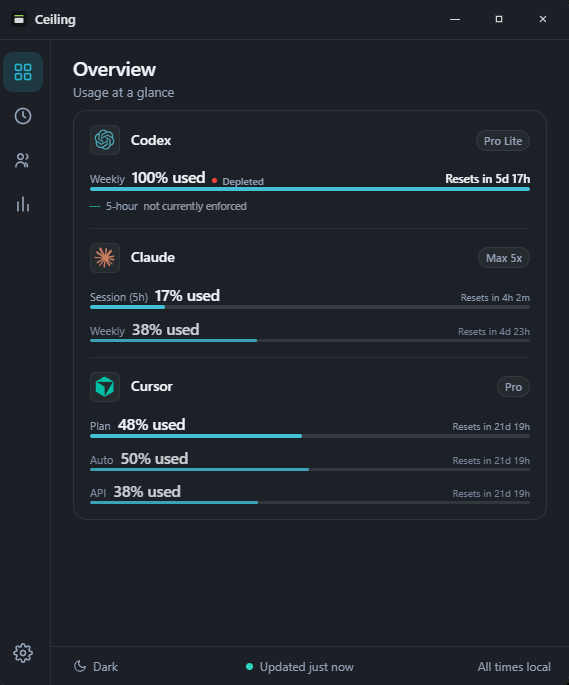
More than a reset timer
See the capacity you use over time.
Find out how many tokens you have burned since your last reset, compare Codex and Claude on the same clock, and keep the whole record on your PC.
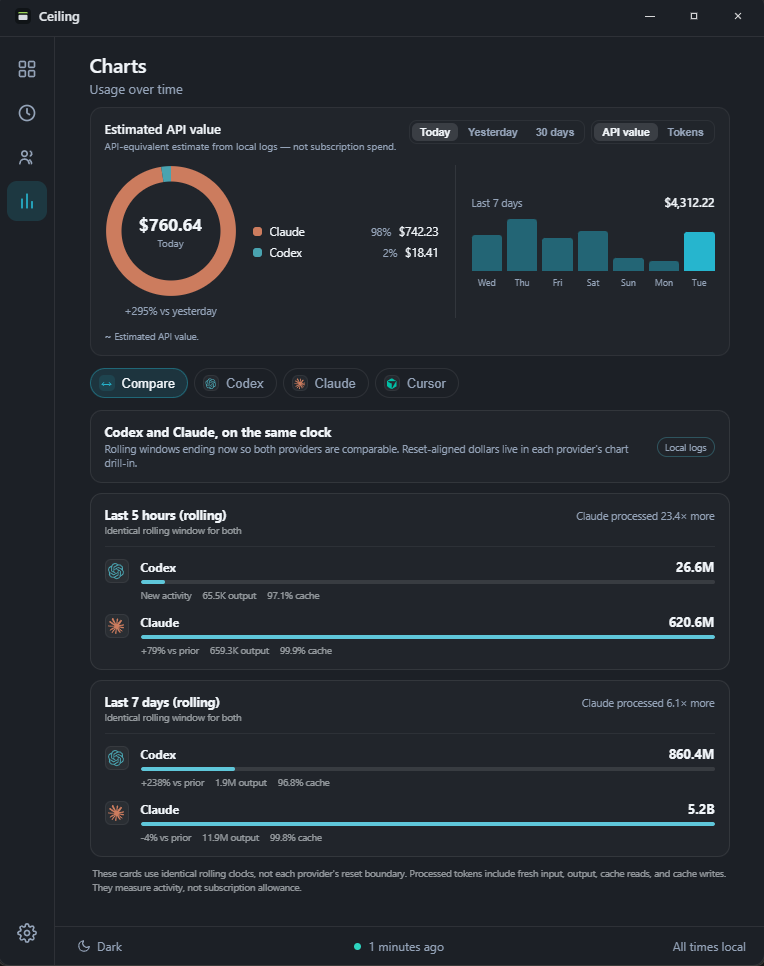
Compare
Codex and Claude, on one clock.
The two providers reset on different schedules, so Ceiling lines them up on rolling windows that end right now. That is the only way the comparison is fair.
- See which assistant is doing more work, over the last five hours and the last seven days.
- Reset-aligned figures stay in each provider's own view, where they belong.
- Read it without exporting anything to a third-party dashboard.
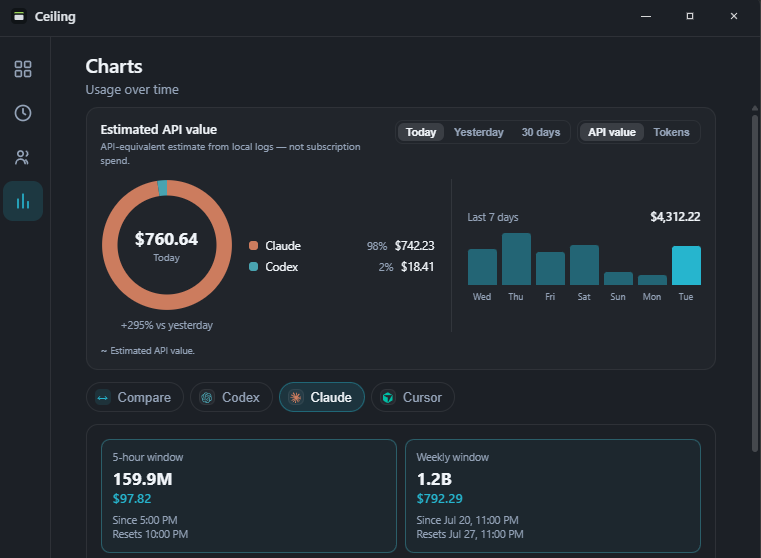
Since your last reset
Know what this window has cost you.
Every provider window shows the tokens processed since it reset, with an estimated API value beside them. That figure is an API-equivalent estimate from your local logs, not a subscription bill.
- Tokens and estimated value since your 5-hour and weekly resets.
- Plus a 30-day breakdown by model, reasoning effort, and project.
- Models with no public price stay excluded rather than reading as $0.00.
When you work
Find the hours you actually build in.
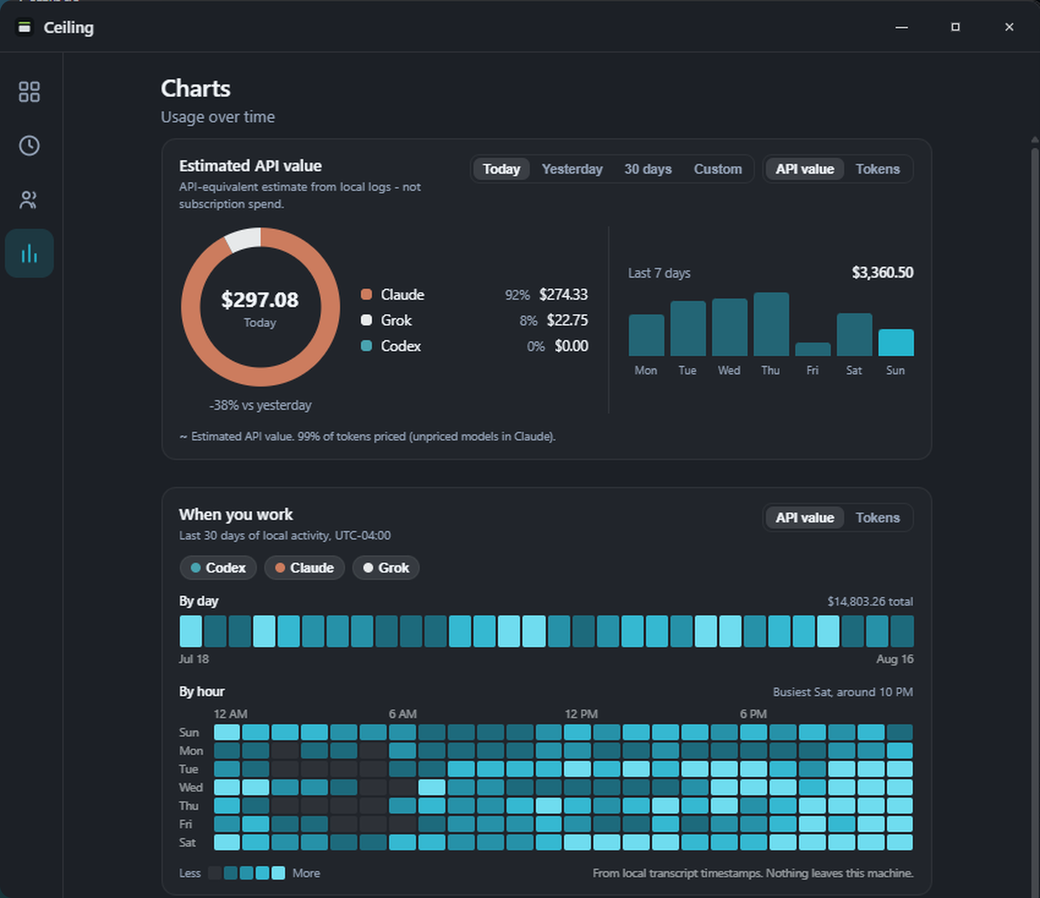
Ceiling already has the timestamps, so it can answer a question no provider dashboard will: not how much you used, but when. A 30-day strip and a weekday-by-hour grid, drawn from logs already on your disk.
- See your real working week, including the parts you would not have guessed.
- Read it in tokens or in estimated API value, for Codex, Claude, and Grok, one at a time or together.
- Nothing new is collected and nothing leaves the machine.
Always nearby
Useful when you are working, quiet when you are not.
The capacity strip sits above the taskbar without stealing focus. Hover for a fuller view, open the tray flyout when you need detail, and stay out of a dashboard the rest of the time.
One quiet view for the plans you use.
These six get the most complete support, each with its data source documented individually. Many more, OpenCode among them, read from a local session or the provider's own usage endpoint.
Local means local
Ceiling does not run a server for your usage data.
It reads usage from sources on your PC or each provider’s own usage endpoint. Credentials, cookies you paste, and API keys are opt-in and remain on your machine.
Read exactly how Ceiling gets dataKeep your next reset in sight.
Free, local-first, and built specifically for Windows.